Datacenter access
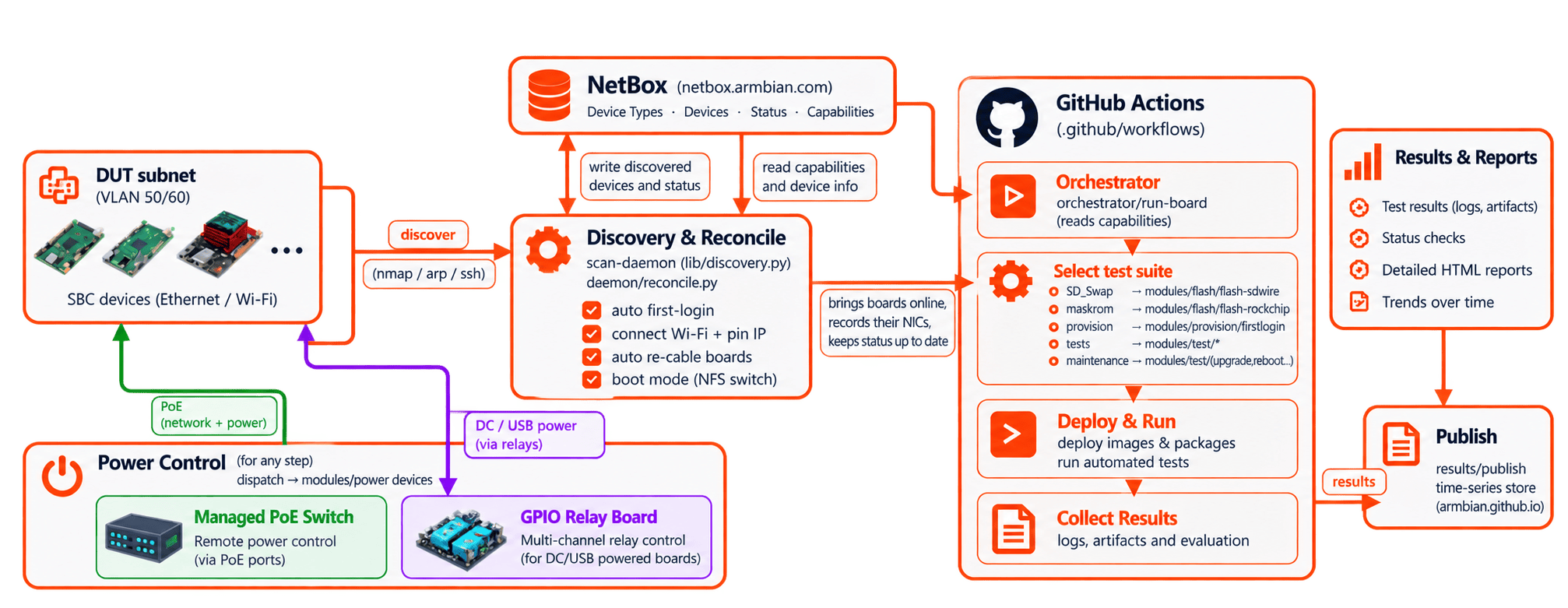
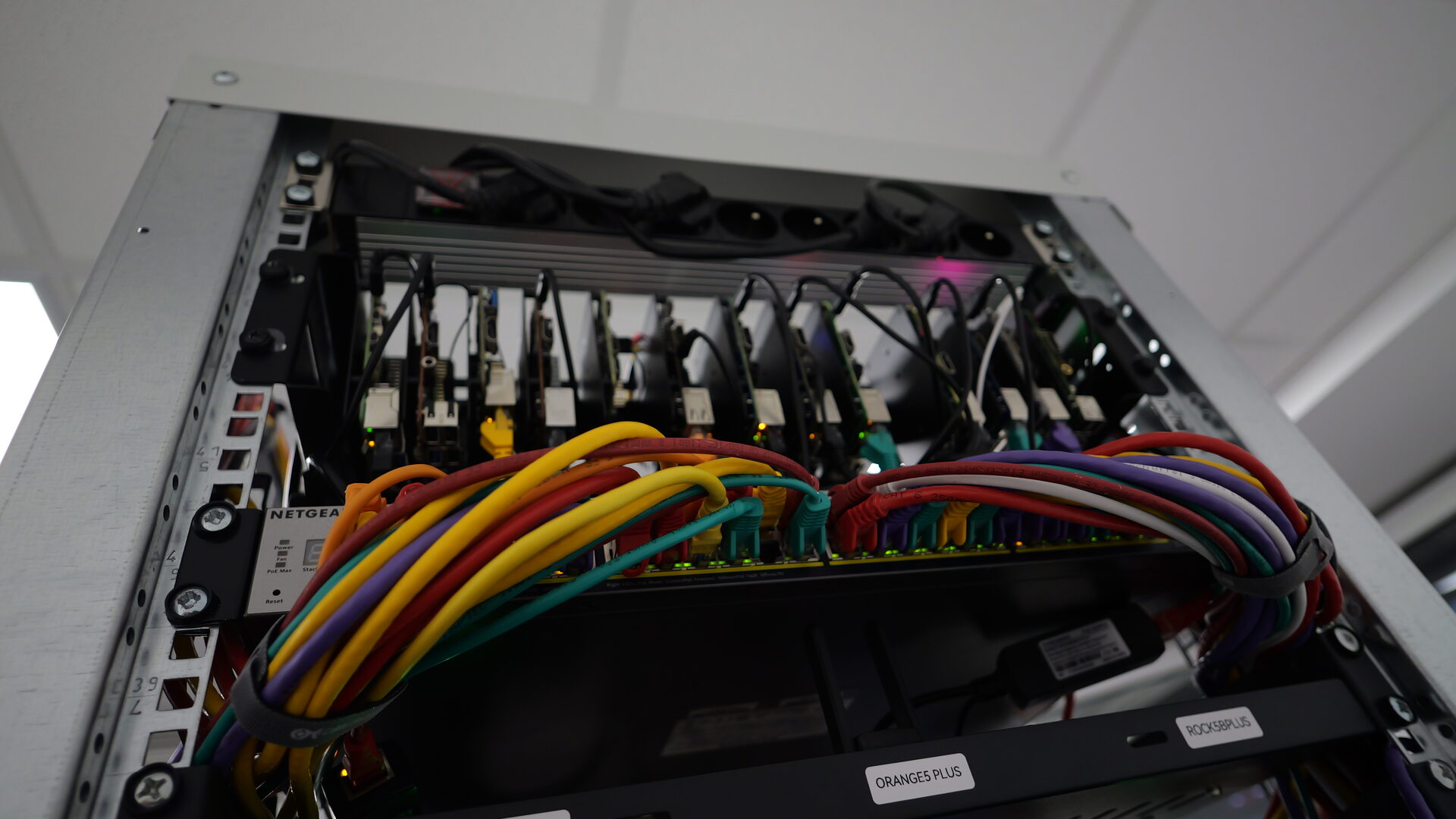
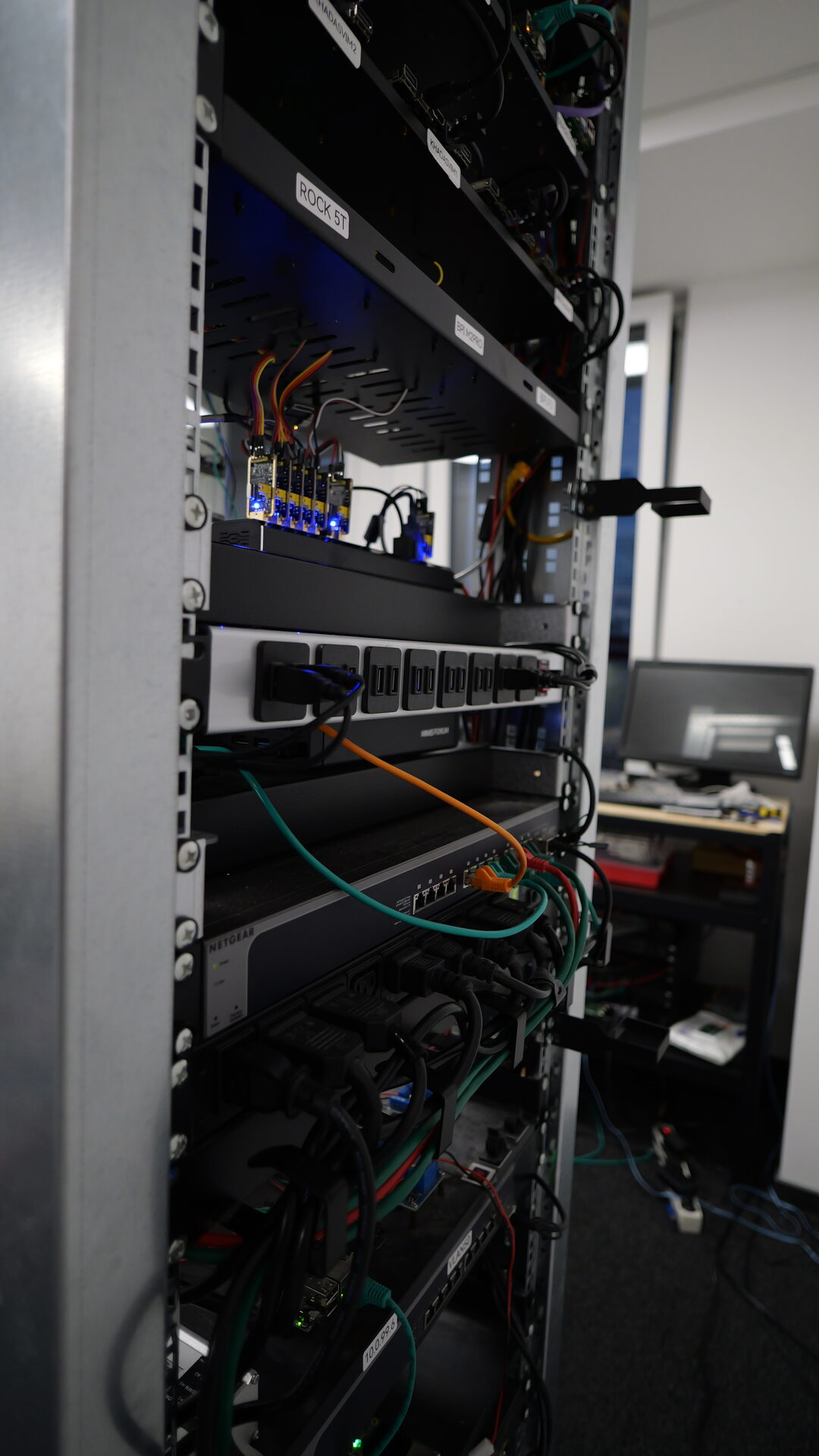
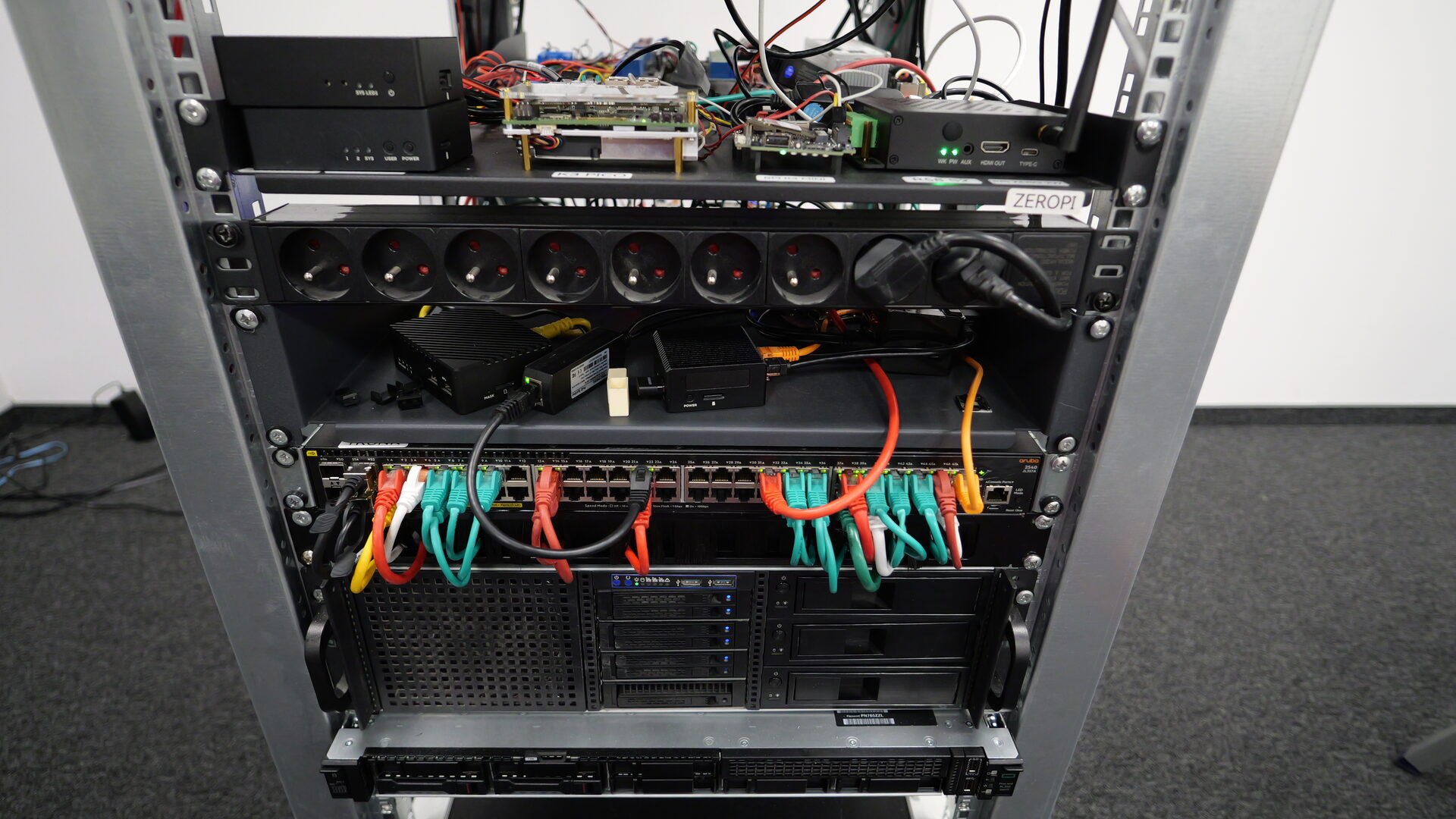
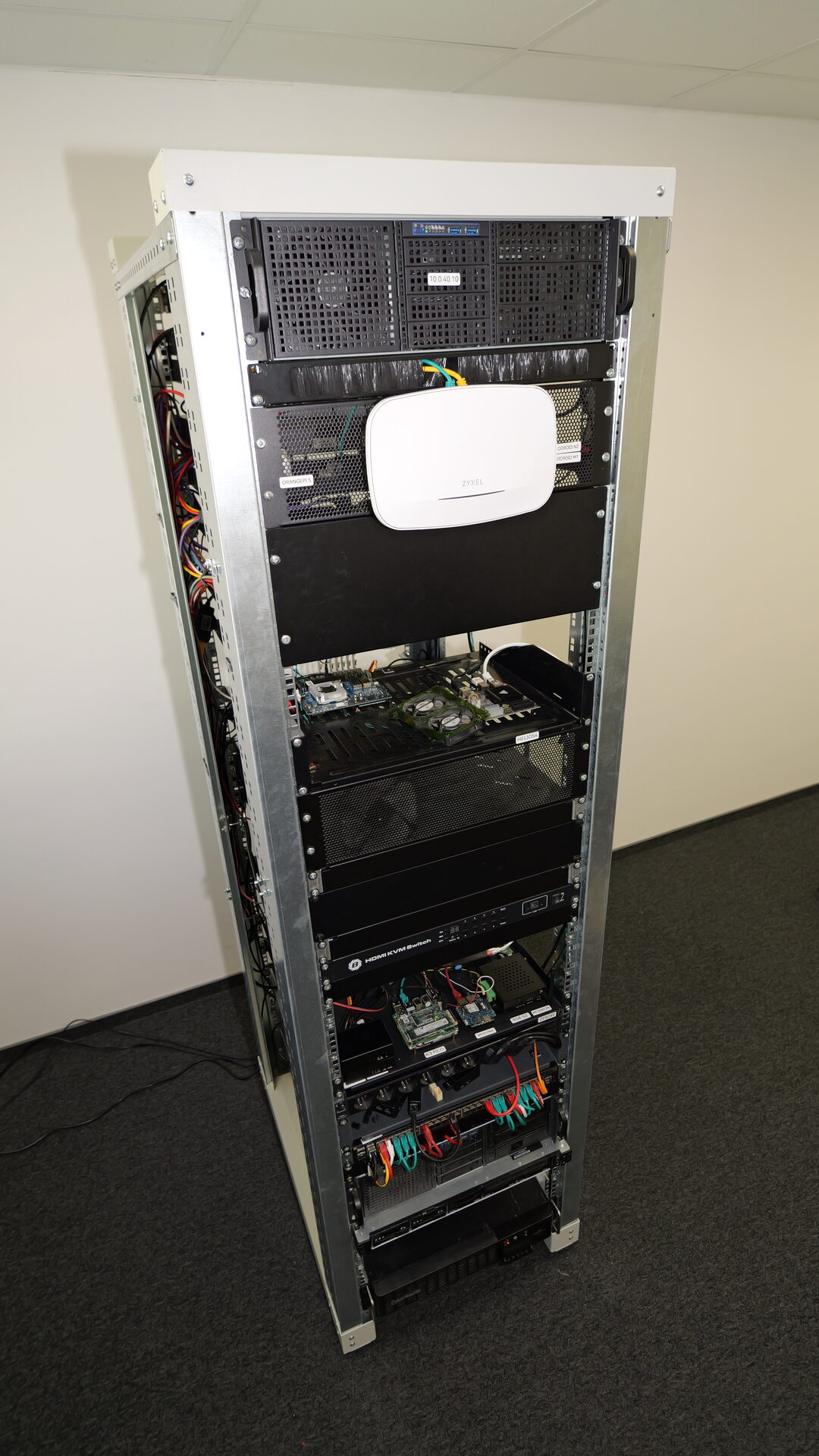
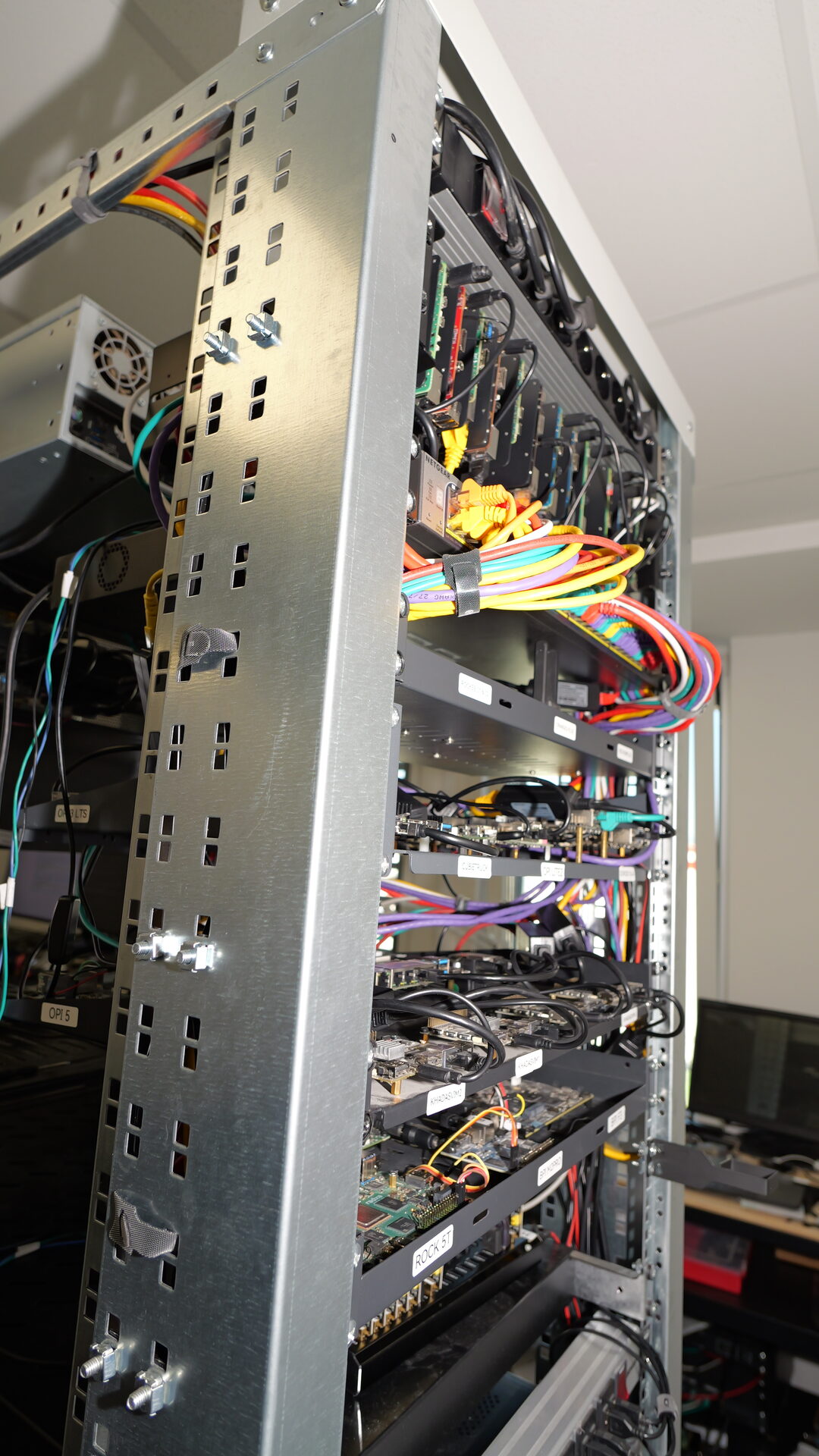
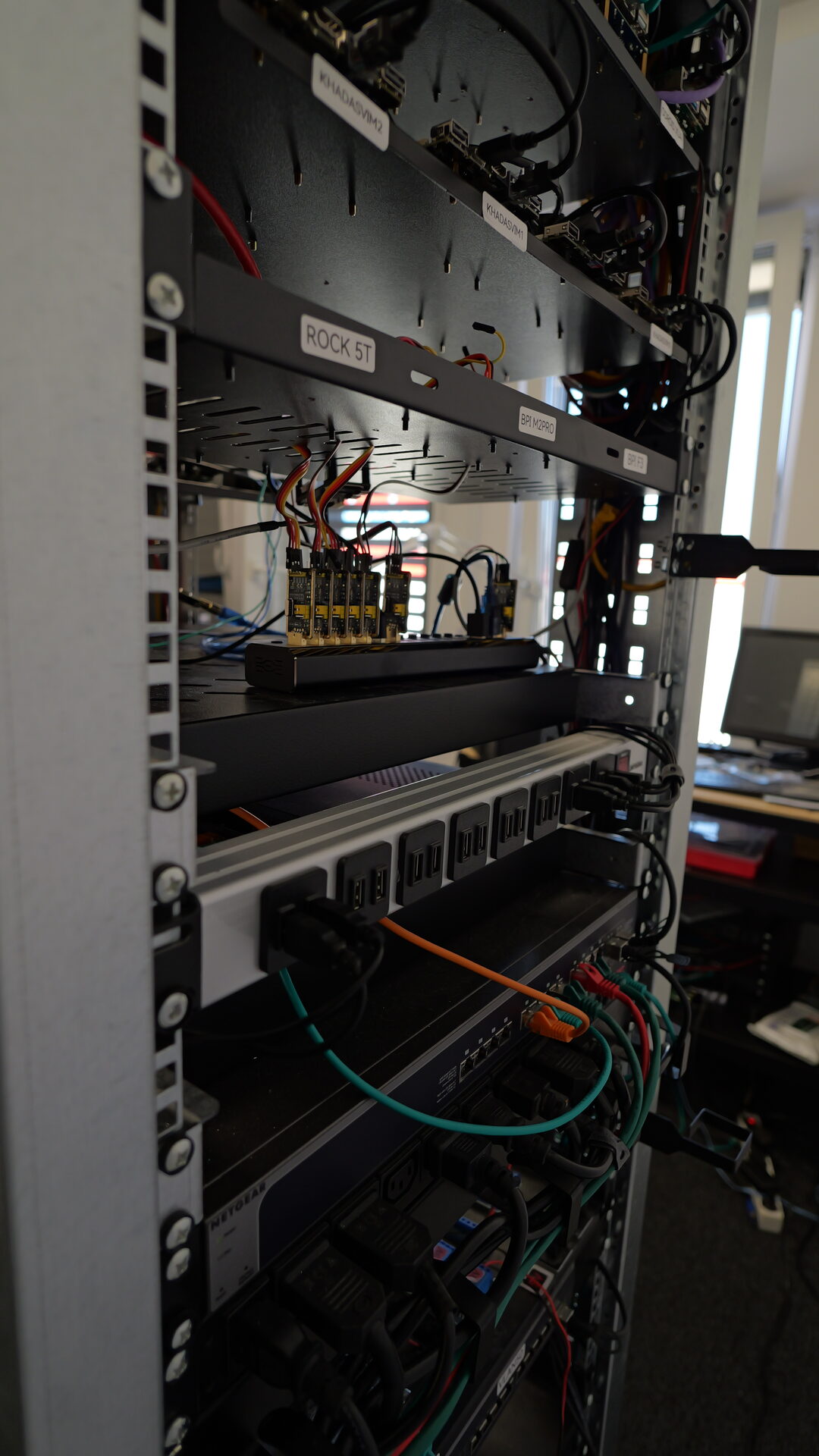
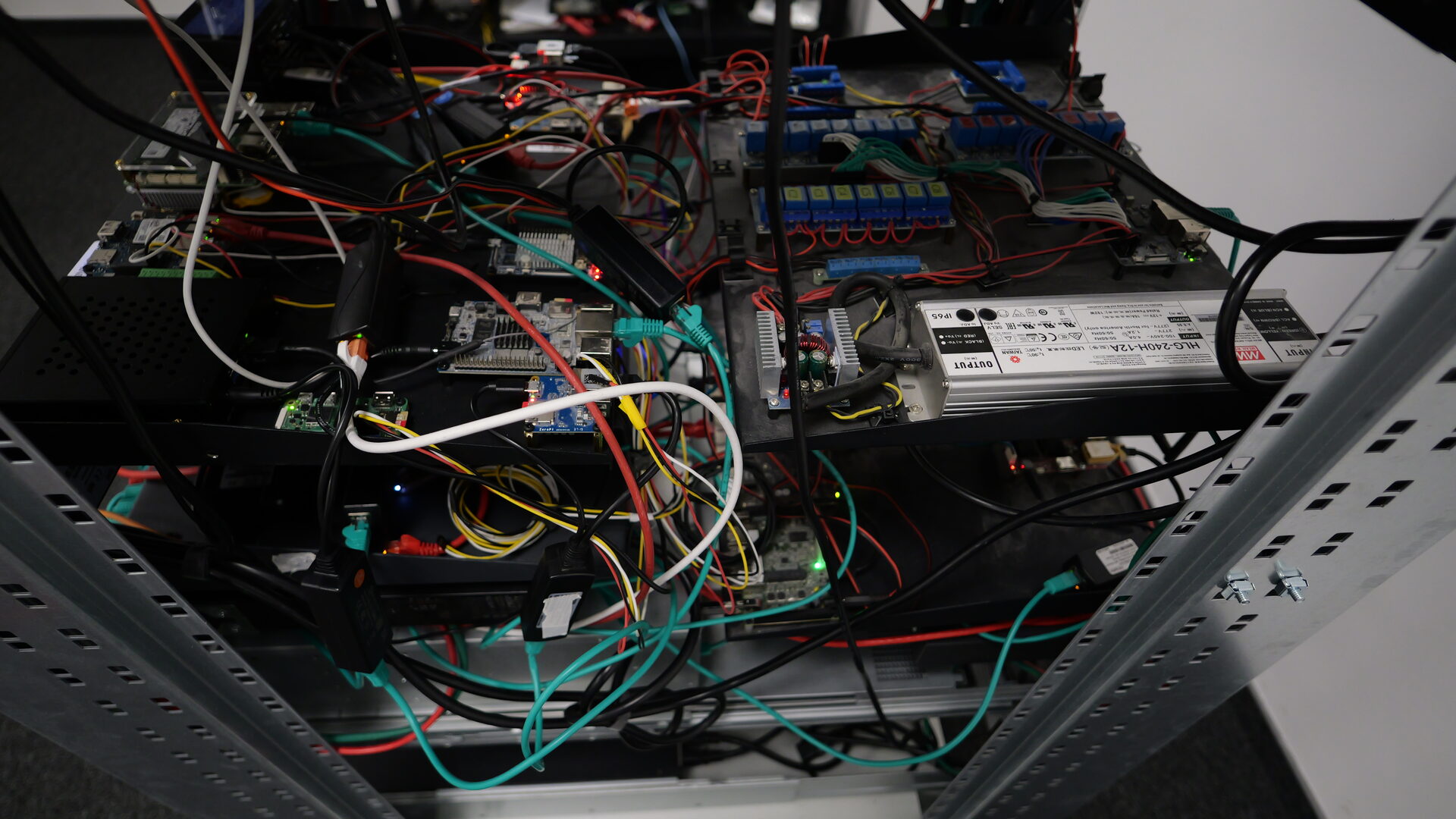
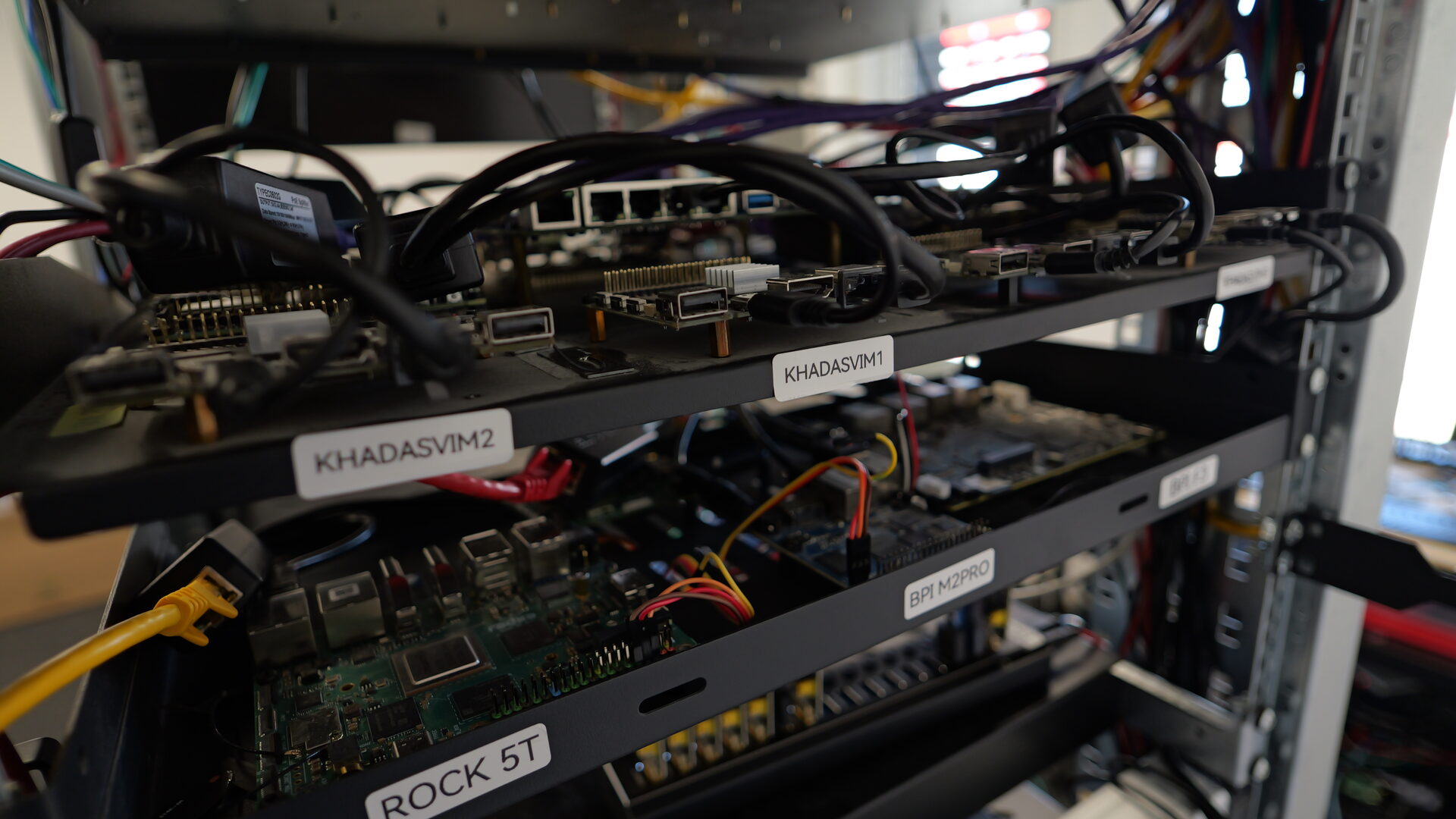
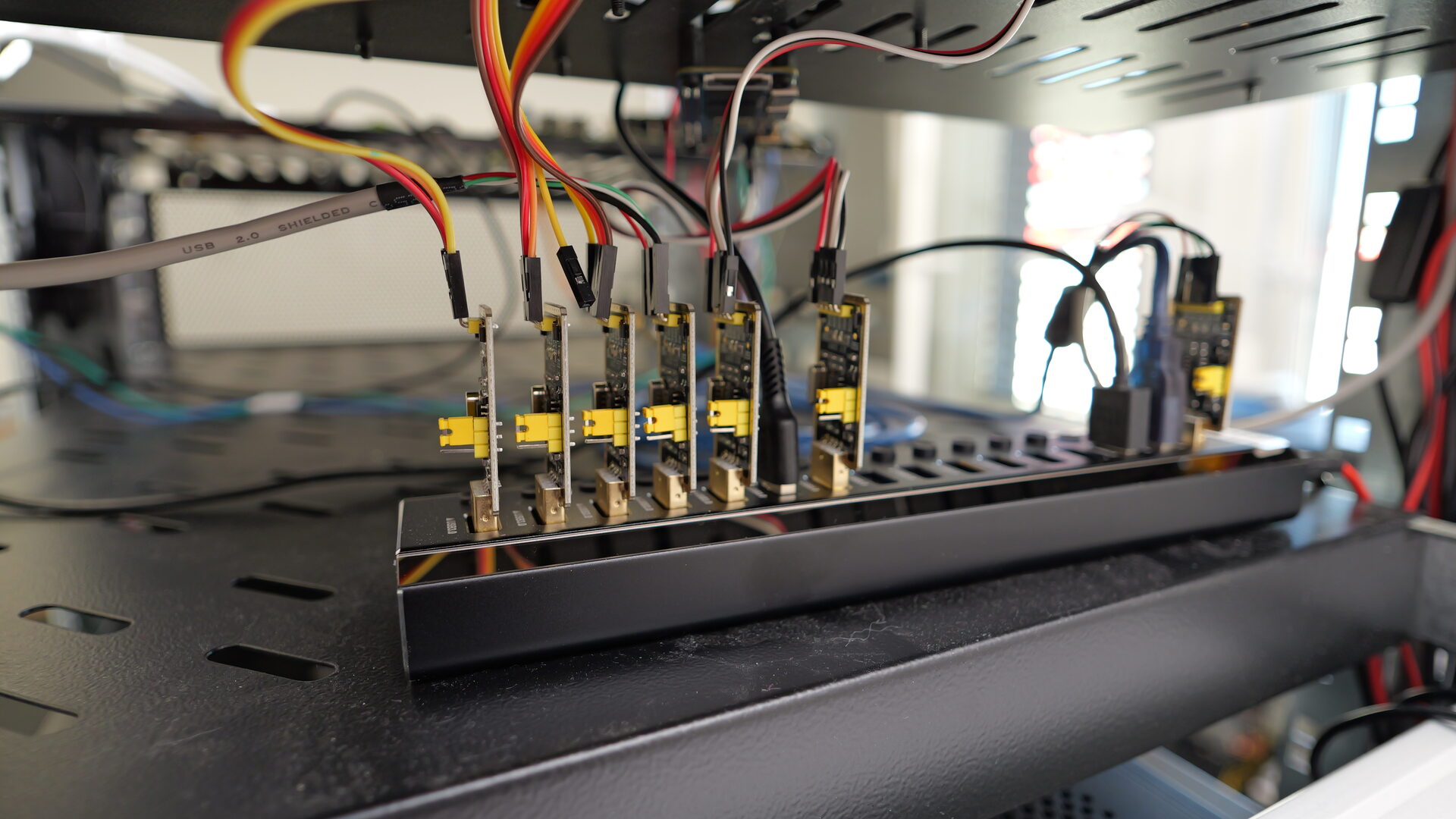
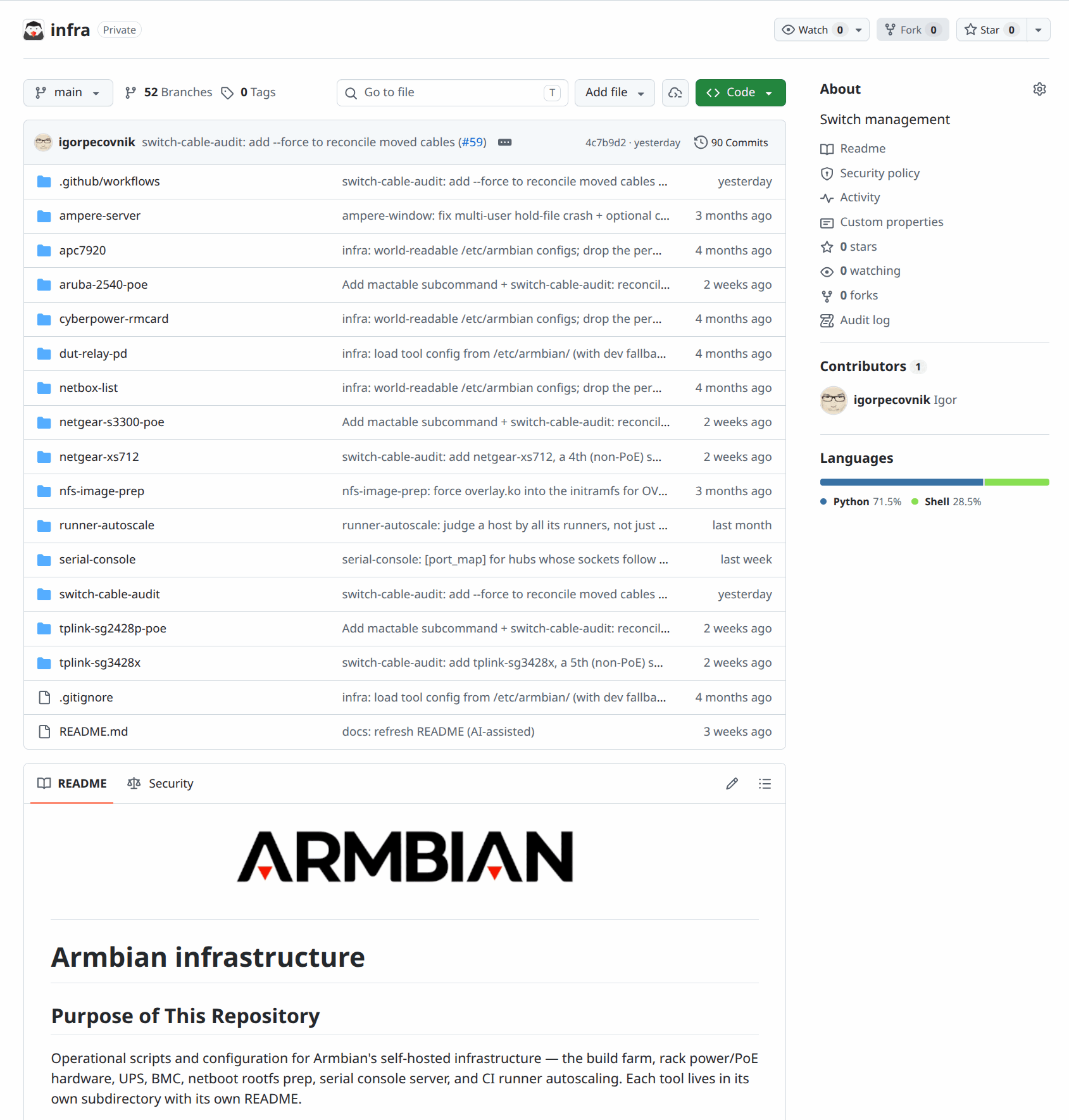
Armbian runs a hardware lab — the Datacenter — a rack of real boards on real networks that our CI flashes, powers, boots, tests and measures automatically. Board maintainers can reach these boards remotely to debug problems, reproduce issues and validate images on actual hardware.
What the lab can do
Boards are not simply plugged in and pinged. Each bench is wired for as much remote control as the hardware allows, and the automated runs use all of it.
- Remote flashing. Partially automated today. Boards whose SoC can be put into its vendor USB recovery mode — Rockchip, MediaTek and Qualcomm — can be re-imaged over the network with nobody touching the rack, and a few benches do the same with an SD-card switcher, of which we have only a handful. Both paths are experimental and cover a minority of the fleet; see the note at the end of this page. Most runs therefore test the upgrade path on whatever the board already has installed.
- NFS boot. A board can be switched to mount its root filesystem over NFS from the lab’s server, running a centrally prepared filesystem instead of the contents of its own SD card. Its kernel and initrd still come from the local boot medium. Boards boot locally unless deliberately switched over; the Datacenter boards table records which is which.
- Switched power. Per-board power control through relay PDUs, APC PDUs and PoE switches. A power cycle is graceful by default: the OS is asked to shut down and confirmed down before the outlet is cut. That is what makes unattended re-imaging safe on hardware nobody is standing next to.
- Power measurement. On boards powered over PoE, consumption is sampled throughout the run, so the result carries idle and peak wattage alongside everything else.
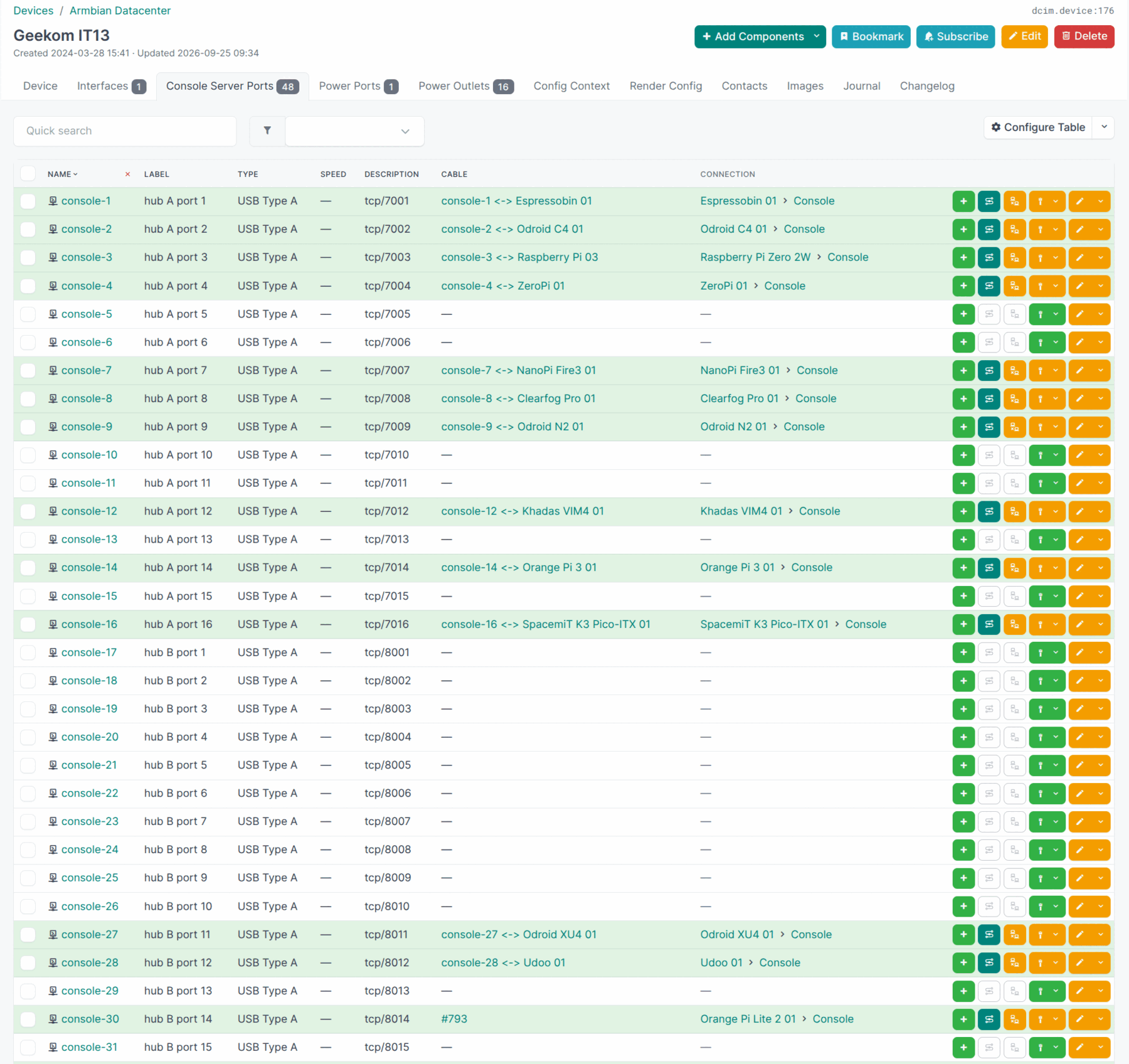
- Serial console server. Many boards have their UART wired to a console server and reachable over the network; the lab has a 48-port console server, so coverage is broad but not complete. Runs record the entire boot — U-Boot, kernel, and any panic — which is the only view left when a board never reaches the network at all. Maintainers can attach to the same console interactively.
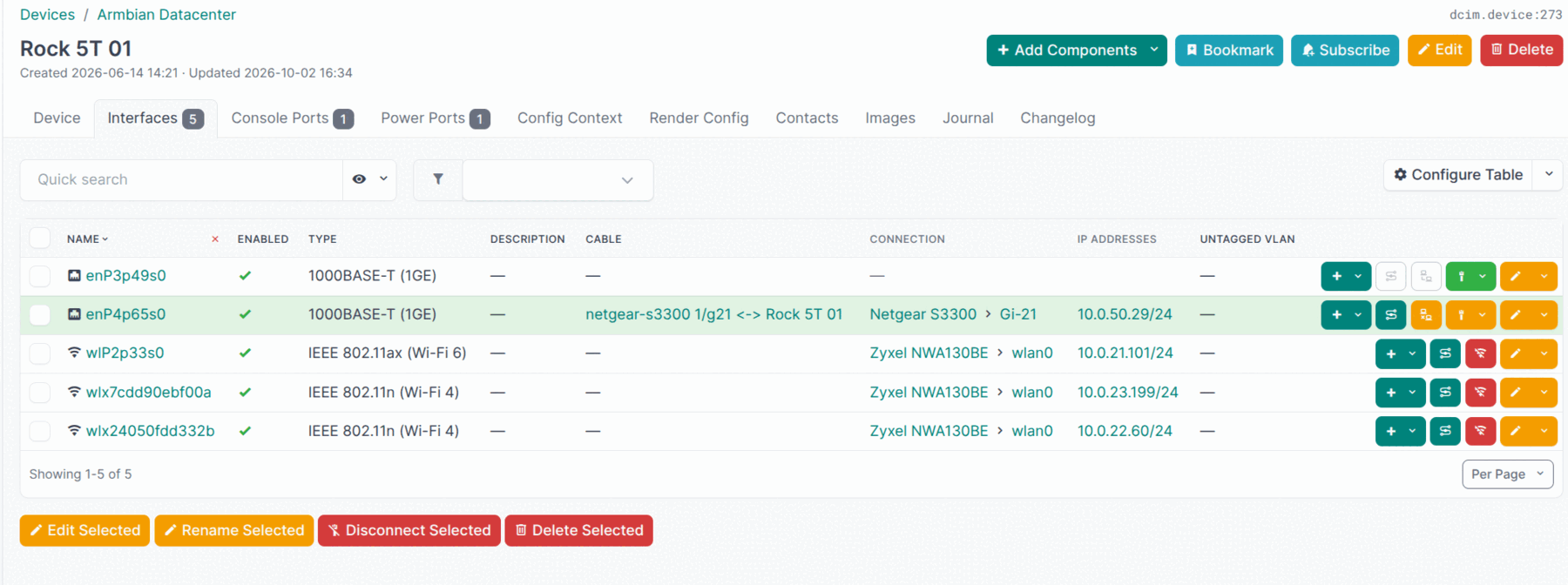
- Network throughput. Benches are cabled to a switch matching the board’s NIC — a 2.5 GbE port goes to a 2.5 GbE switch rather than to a spare gigabit one — and boards with several interfaces normally have all of them connected, so a measurement is not just describing whatever port the board happened to land on. Throughput itself is measured with iperf3 against a lab-local server, in both directions, on every interface rather than just the one the board is managed through. The server runs four iperf3 daemons — one test each — so four boards can be measured at once instead of queueing for a single slot. Four is what the server’s 10 GbE uplink carries: 4 × 2.5 GbE fills it exactly, so the measurements stay honest rather than competing for bandwidth.
- Wireless and Bluetooth. Wi-Fi association and throughput, and Bluetooth controller checks, on boards carrying the radios.
- Benchmarks and thermals. CPU, memory and storage throughput, verification that CPU frequency scaling actually reaches the advertised maximum, and thermal-zone readings under load.
What a given board supports depends on how its bench is wired, so the coverage differs from board to board. Results are published automatically: Datacenter boards for the inventory, Tested boards for per-board outcomes, and Wi-Fi performance for wireless throughput.
Access is over a VPN and is available to members of the board-maintainers GitHub team. Everything below (VPN login and board access) only works once you are on that team.
Requesting access
The board-maintainers team is a visible team, so organization members can
request to join it themselves:
- If you are already an Armbian GitHub organization member — open the board-maintainers team page and click Request to join. A team maintainer reviews and approves it.
- If you are not an organization member yet — see how to become one. Once you are an org member, request to join the team as above.
Organization membership also gives you Member storage — public SFTP space for sharing test images and packages.
Connect via VPN (Netbird)
The Datacenter network is reached through Netbird, a
WireGuard-based mesh VPN. Authentication is via GitHub: you sign in with your
GitHub account and are let in if you belong to the board-maintainers team.
1. Install the Netbird client
On Linux:
| Bash | |
|---|---|
On macOS and Windows, install the client from
netbird.io/downloads (or via brew, winget,
etc.).
2. Connect to Armbian’s Netbird
| Bash | |
|---|---|
This opens your browser to authenticate:
-
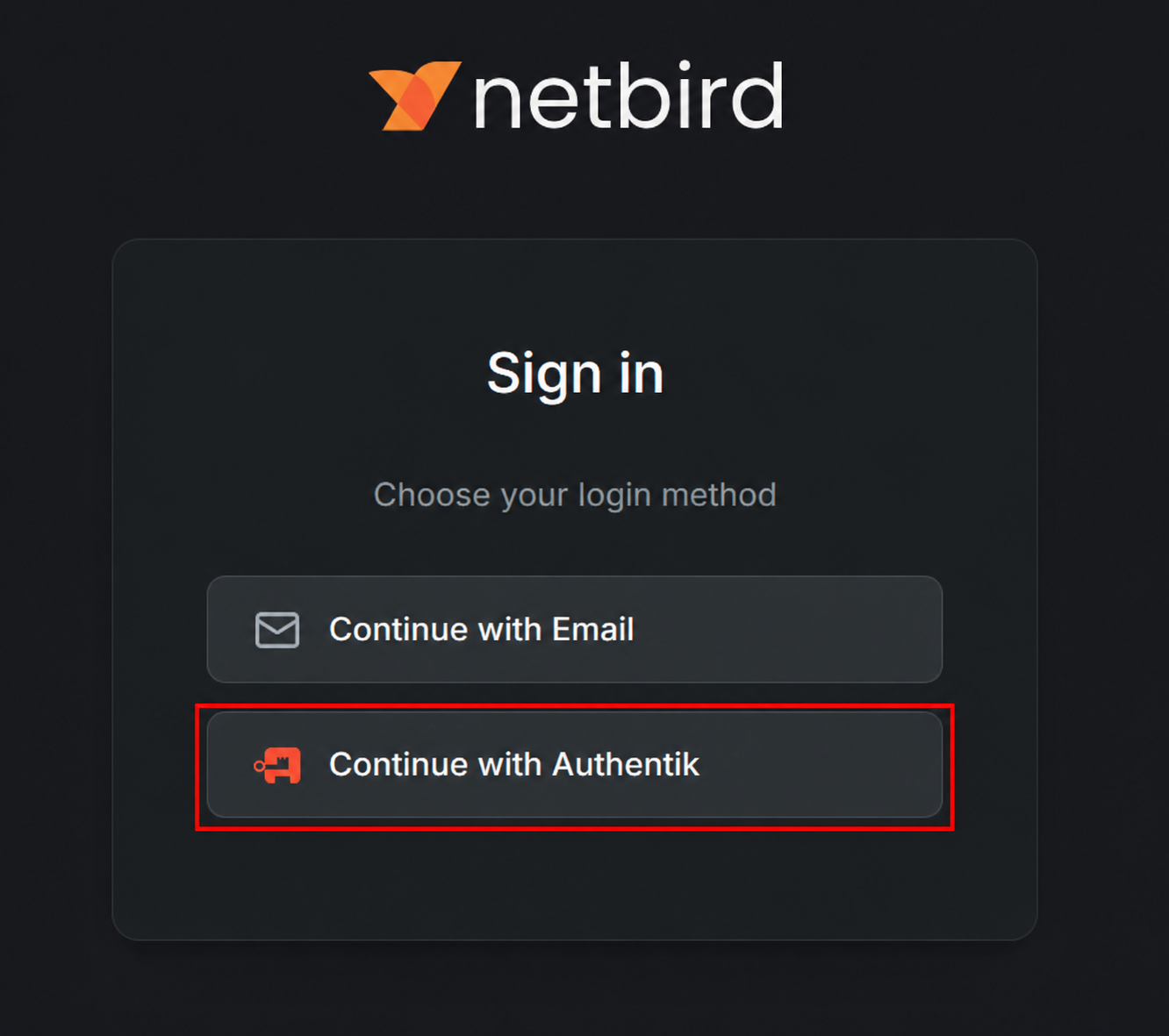
On the Netbird sign-in screen, choose Continue with Authentik.
-
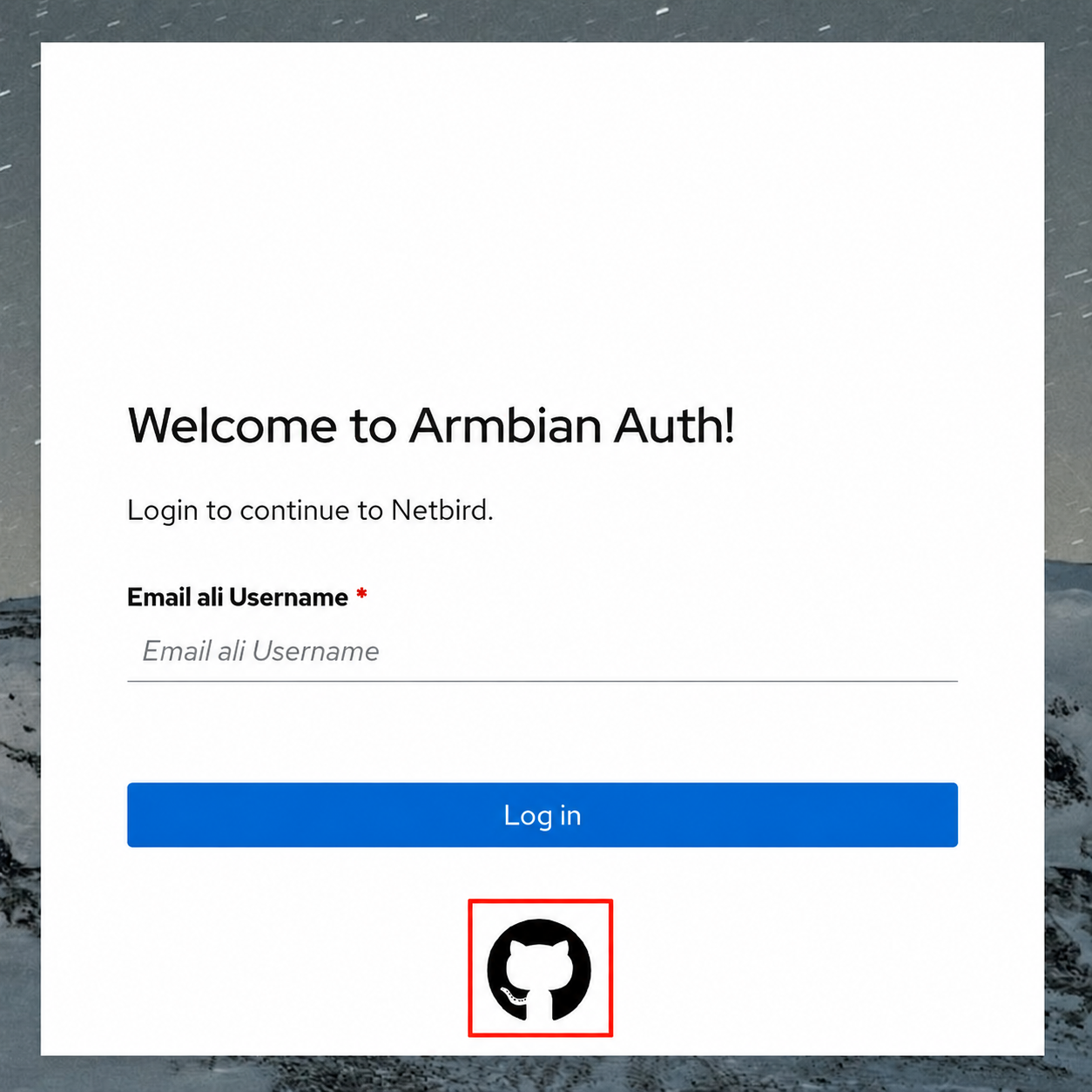
On the Armbian Auth screen, click the GitHub icon (the button below Log in — not the email/username field) and authorize the request.
Once GitHub confirms you are a board-maintainers member you are connected to
the Datacenter mesh. The management URL is remembered, so next time you can just
run netbird up.
Check the connection and your assigned VPN address:
| Bash | |
|---|---|
To disconnect, run netbird down.
Access boards
Once connected you are on the Datacenter network and can reach the boards directly by their IP address.
Find the board you need — its model and IP address — in the Boards list below, then SSH in as root:
| Bash | |
|---|---|
No password is needed — every board installs the SSH public keys from your
GitHub account (https://github.com/<your-username>.keys) into root’s
authorized keys, so make sure the matching private key is on the machine you
connect from.
If a board is unreachable it may be powered off or mid-test. For anything you cannot resolve (missing access, a wedged board), reach out on the Armbian Discord channels.
Reflashing is under testing
Automated board reflashing is still experimental. If you reflash a board and accidentally brick it or leave it unresponsive, please report it on the Armbian Discord so it can be recovered.
Boards
The datacenter’s board inventory — which boards are operational or broken — now lives on the Datacenter boards status page.