SWAG
x86-64 arm64 · 🐳 Docker · Documentation · http://<your.IP>:443
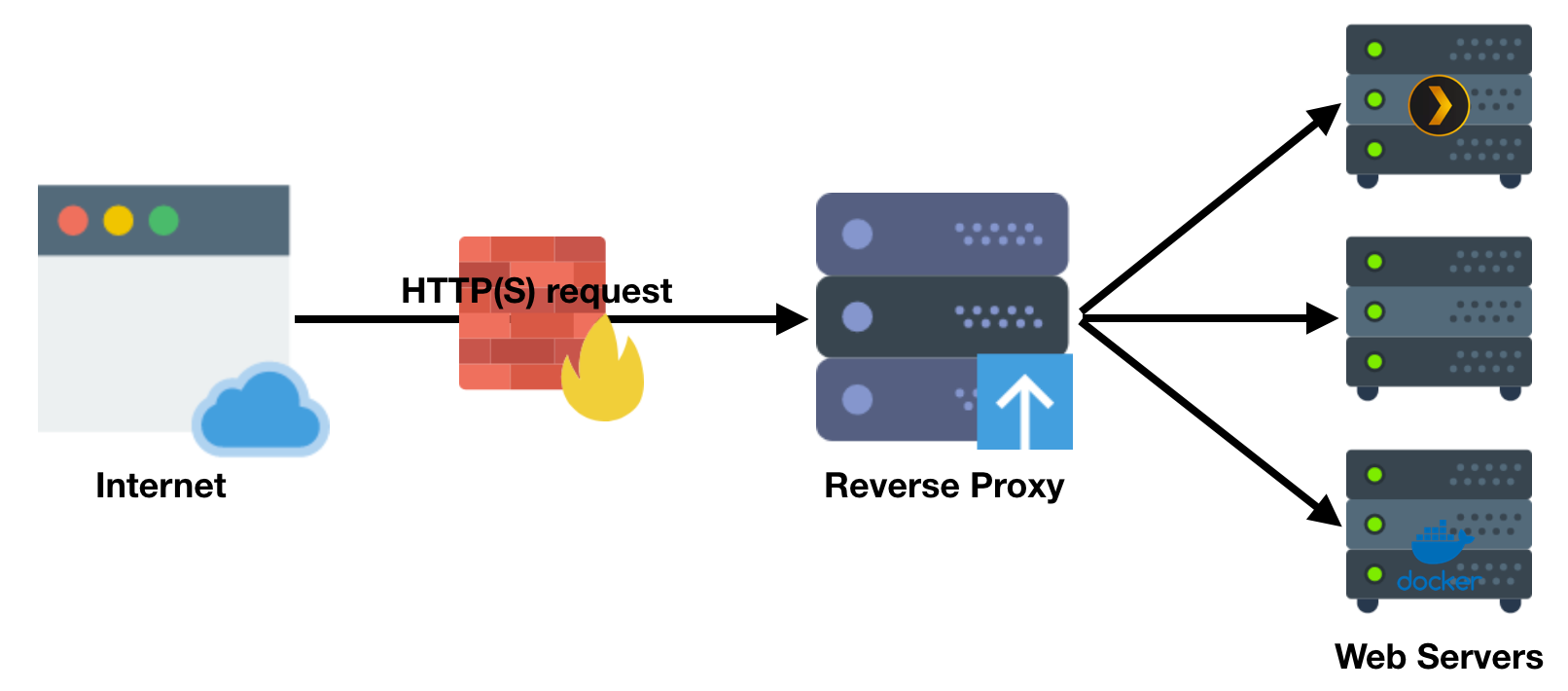
SWAG - Secure Web Application Gateway sets up an Nginx webserver and reverse proxy with php support and a built-in certbot client that automates free SSL server certificate generation and renewal processes (Let’s Encrypt). It also contains fail2ban for intrusion prevention.
After entering required information, your server will have auto updating SSL secured website! To this website you can attach several services, for example: https://my.server.com/netdata will run Netdata instance.
- this computer port 80 and 443 must be open to the internet
- your domain name (myserver.mydomain.com) DNS server should point to your router WAN address
- make sure to set additional .htpasswd username and password as you don’t want to expose your services without password
- Config directory:
/armbian/swag/config/ - Website root folder:
/armbian/swag/config/www/ - Reverse proxy configuration samples:
/armbian/swag/config/nginx/proxy-confs/
- Please follow this comprehensive guide: linuxserver/docker-swag
Install from armbian-config → Software → Web Hosting → SWAG
The app has no separate image. Install an Armbian OS image first, then the app. For help with the app, read its documentation.
| CLI install | |
|---|---|
All armbian-config commands
| Action | Command |
|---|---|
| Install | armbian-config --api module_swag install |
| SWAG remove | armbian-config --api module_swag remove |
| SWAG purge with data folder | armbian-config --api module_swag purge |
| Status | armbian-config --api module_swag status |
| SWAG reverse proxy .htpasswd set | armbian-config --api module_swag password |
| Help | armbian-config --api module_swag help |
Part of Armbian’s Web server, LEMP, reverse proxy, Let’s Encrypt SSL software.