Skip to content

SSH daemon

Manage SSH daemon options, enable 2FA

Native

Disable root login

Native

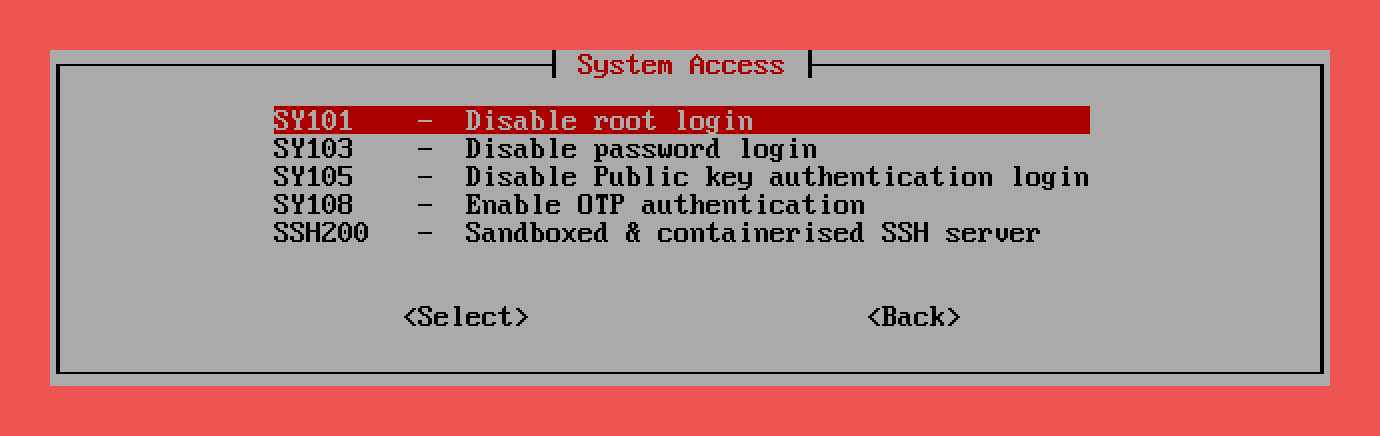
Manage native SSH daemon allows you to configure SSH server settings such as login security, authentication methods, and connection restrictions. It also enables setting up Two-Factor Authentication (2FA) to further secure SSH access using time-based codes (TOTP), adding an extra layer of protection beyond passwords.

Native
armbian-config --cmd ACC001
Enable root login
armbian-config --cmd ACC002
Disable password login
armbian-config --cmd ACC003
Enable password login
armbian-config --cmd ACC004
Disable Public key authentication login
armbian-config --cmd ACC005
Enable Public key authentication login
armbian-config --cmd ACC006
Disable OTP authentication
armbian-config --cmd ACC007
Enable OTP authentication
armbian-config --cmd ACC008
Generate new OTP authentication QR code
armbian-config --cmd ACC009
Show OTP authentication QR code
armbian-config --cmd ACC010
Disable last login banner
armbian-config --cmd ACC011
Enable last login banner
armbian-config --cmd ACC012

Containerised

Sandboxed & containerised SSH server

Containerised

Sandboxed & containerised SSH server allows ssh access without giving keys to the entire server. Giving ssh access via private key often means giving full access to the server. This container creates a limited and sandboxed environment that others can ssh into. The users only have access to the folders mapped and the processes running inside this container.

Containerised
armbian-config --cmd SSH001
  • ssh username@<your.IP> -p 2222
  • Install directory: /armbian/openssh-server
  • Configuration directory: /armbian/openssh-server/config
  • Shared storage directory: USER_DEFINED
Bash
docker logs -f openssh-server
Remove sandboxed SSH server
armbian-config --cmd SSH002
Purge sandboxed SSH server with data folder
armbian-config --cmd SSH003